Boss Rummy Logo Boss Rummy
Latest Boss Rummy APK • Version v2.65.0 (2026 Release)

Boss Rummy Download APK – Direct APK Download

Click below to download the downloadable Android Boss Rummy APK directly to your Android device or PC emulator.
Boss Rummy Logo

How to Download the Latest Version of Boss Rummy?

Look at the following download methods that help you install smoothly and start playing without any glitches.
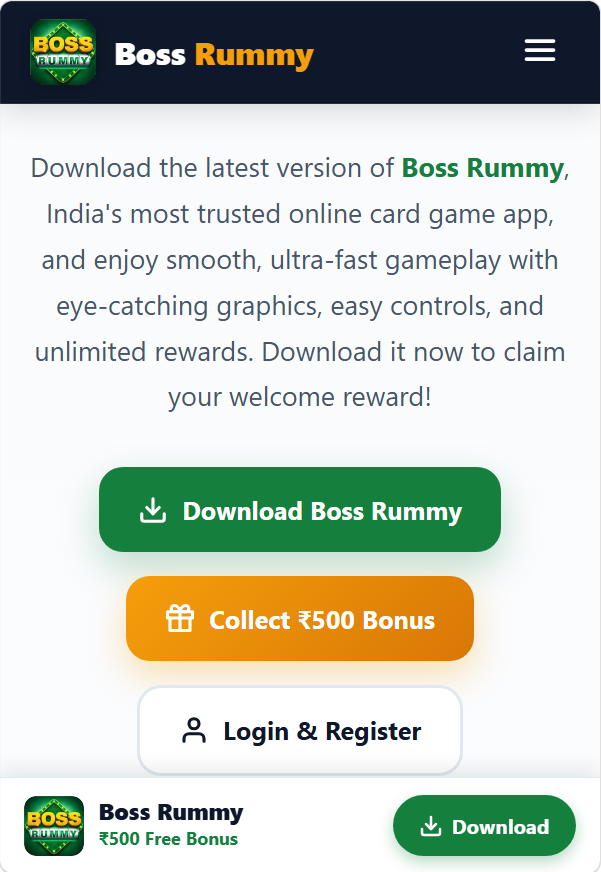
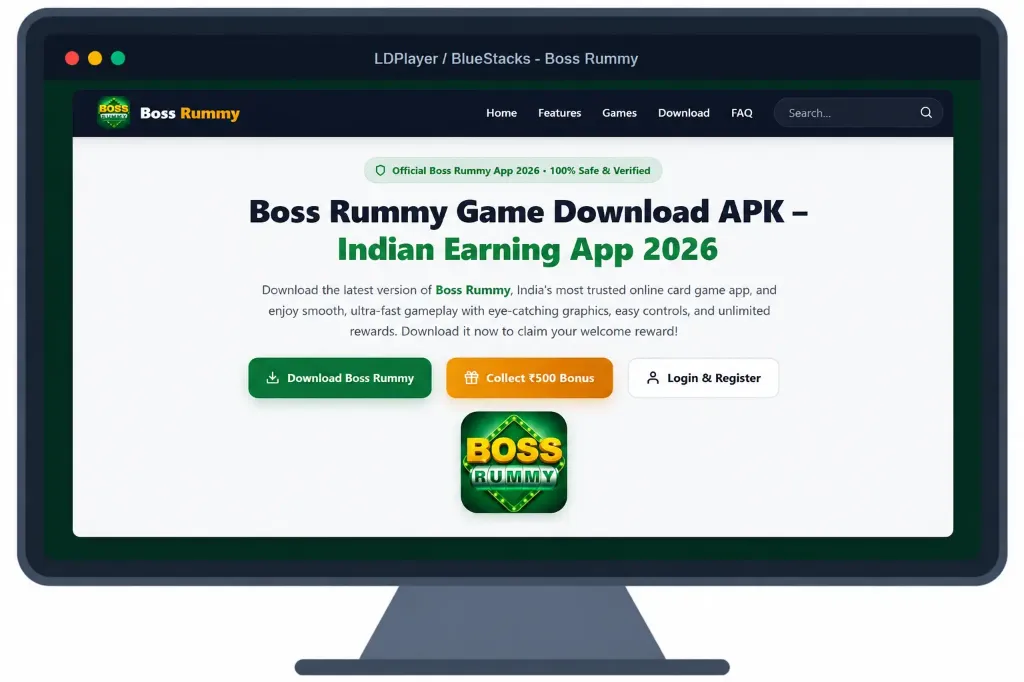
Android Screenshot Guide
1

For Android

  1. Open your mobile browser (Chrome / Opera) and visit: https://bosssrummy.com
  2. Double-check that you're on the genuine, secure website before proceeding.
  3. Find the download button on the page and tap it to begin downloading the APK.
  4. Give it a moment to fully download the BossRummy.apk file (34 MB).
  5. Head to your phone's Settings > Security, and turn on "Install from Unknown Sources". This is normal for apps outside the Play Store.
  6. Open your Download Manager and locate the Boss Rummy APK file you just downloaded.
  7. Tap the file to begin installing, and wait a few seconds for the process to finish.
  8. Once installed, open the app, register with your mobile number, and review your eligible welcome offer.
PC Emulator Guide
2

Installation Guide For PC

  1. Start by downloading a trusted Android emulator (such as BlueStacks, LDPlayer, or NoxPlayer) on your PC or laptop.
  2. Open the emulator once installed and set up your virtual Android environment.
  3. Next, download the latest version of the Boss Rummy APK directly onto your computer from this page.
  4. Inside the emulator, click "Install APK" or simply drag and drop the downloaded file into the emulator window.
  5. Allow permissions if prompted, and wait for the installation to finish (approx. 15 seconds).
  6. Once installation is complete, launch the game on your big screen and start enjoying HD card gaming!

System Requirements For Using Boss Rummy APK

Make sure to have the following system specifications for the best user experience.

System Requirements
System Android (Phone / Tablet) PC (Android Emulator)
Operating System Android 5.0+ (Lollipop or higher) Windows 7 / 8 / 10 / 11 (64-bit)
RAM Memory Minimum 1 GB (2 GB+ Recommended) 4 GB RAM or higher
Storage Space 100 MB free storage 2 GB free storage space
Internet Speed 2G / 3G / 4G / 5G / WiFi High-Speed Broadband / WiFi

Frequently Asked Questions

Quick answers to common download and installation questions.

This is a standard default warning displayed by Android/Chrome whenever downloading an APK package from the internet. The Boss Rummy APK is thoroughly scanned, virus-free, and verified. Tap "Download anyway" to complete the download.
Boss Rummy is released as an Android APK package. iOS/iPad is not supported at this time. PC desktop and laptop users can run the game smoothly using an Android emulator (BlueStacks or LDPlayer).
Open the installed Boss Rummy app, enter your mobile number, and verify with OTP. A reward pop-up will appear when you enter the game; please click to claim it. You can also collect the new player reward from both the event page and your inbox.

Download Boss Rummy & Play Now!

Explore the Android download, card-game guides and current account options. Review the rules and any offer conditions before joining a table.

Download Boss Rummy APK (34 MB)